> ## Documentation Index
> Fetch the complete documentation index at: https://tokenterminal.com/docs/llms.txt
> Use this file to discover all available pages before exploring further.
# Projects
> Explore all projects in a customizable data table
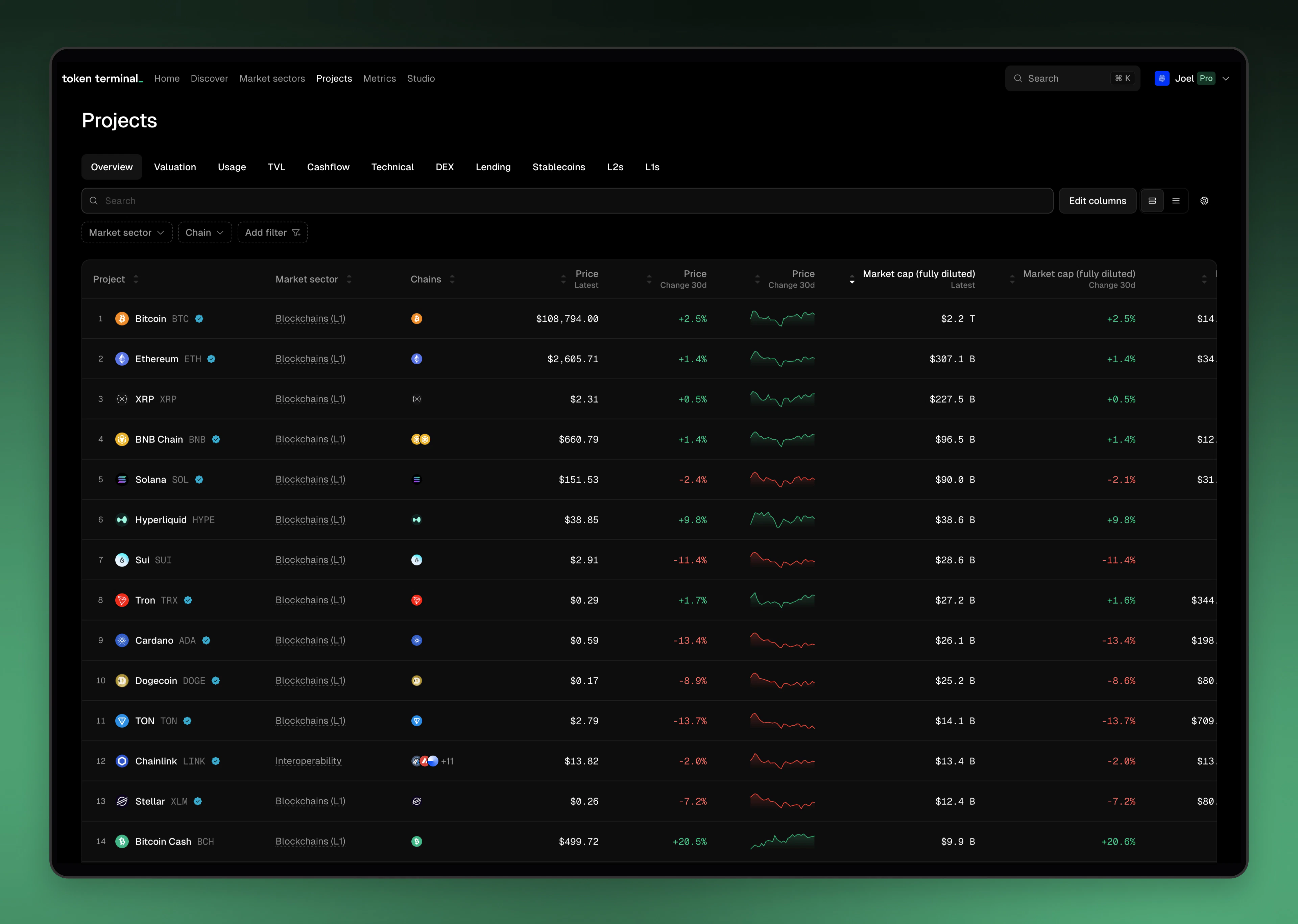 The Projects section is the central repository for all projects listed on Token Terminal.
It features a dynamic, filterable data table that supports chain, market sector, and column-specific filtering.
Users can customize the table by adding or editing columns and selecting specific time ranges.
Each row also links to the project’s individual data page.
Want to see a project listed on Token Terminal? Submit information for the [app](https://tokenterminal.com/get-listed/apps) or [chain](https://tokenterminal.com/get-listed/chains).
The Projects section is the central repository for all projects listed on Token Terminal.
It features a dynamic, filterable data table that supports chain, market sector, and column-specific filtering.
Users can customize the table by adding or editing columns and selecting specific time ranges.
Each row also links to the project’s individual data page.
Want to see a project listed on Token Terminal? Submit information for the [app](https://tokenterminal.com/get-listed/apps) or [chain](https://tokenterminal.com/get-listed/chains).