> ## Documentation Index
> Fetch the complete documentation index at: https://tokenterminal.com/docs/llms.txt
> Use this file to discover all available pages before exploring further.
# Introduction
> Get access to Token Terminal's data via our API
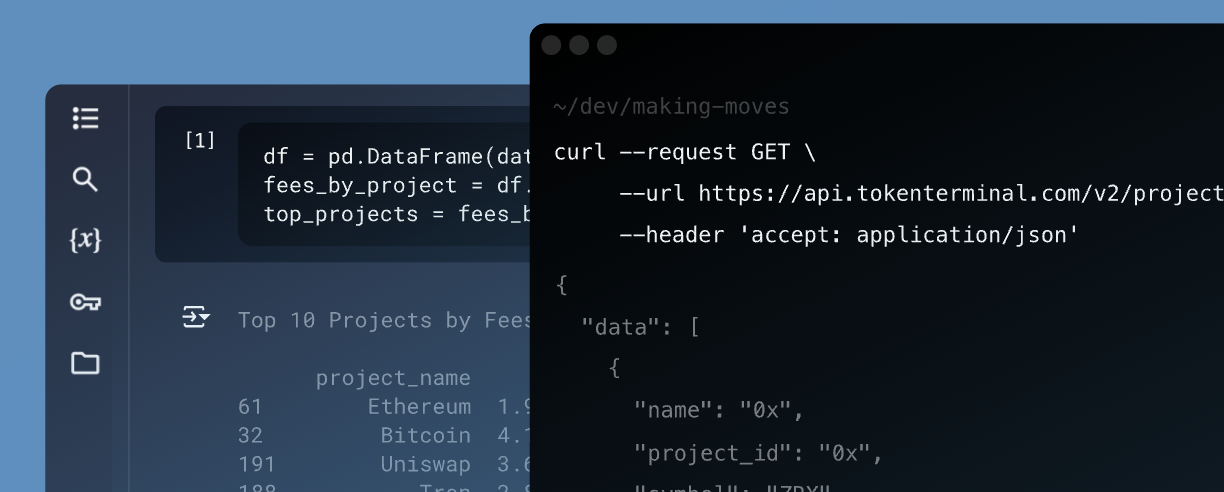 Users on the Token Terminal API plan can query the data with their designated API key, which can be found on their account page.
The API key should be kept a secret, so make sure to not share it or store it in publicly accessible areas such as GitHub, client-side code, and so forth.
If you don't have an API key, make sure to upgrade your plan to the API plan in your account billing page.
If you're interested in talking to our team about using the API, please reach out to us at [sales@tokenterminal.xyz](mailto:sales@tokenterminal.xyz) for assistance.
The API is read-only, supports REST calls, uses predictable resource-oriented URLs, and returns JSON-encoded responses and error messages.
We use standard HTTP response codes
| Code | Explanation |
| ---- | ------------------------------------------------------------------------------------------------------- |
| 200 | for success |
| 308 | for redirects when e.g. project\_id has been renamed (only when projects make a significant rebranding) |
| 400 | for when query parameters are invalid, see included JSON formatted error message for advice |
| 402 | for when subscription isn't valid |
| 403 | for invalid access |
| 429 | for too many requests (rate limit: 1000 requests per minute) |
| 500 | if we ever mess up |
## Rate limiting
The API has a rate limit of 1000 requests per minute. If you exceed this limit, you will receive a **429** HTTP response code.
## Authentication
The API uses HTTP Token Auth to authenticate requests. This means each request must have an Authorization header (your API key).
```bash theme={null}
curl -X GET "https://api.tokenterminal.com/v2/projects" \
-H "Authorization: Bearer "
```
Users on the Token Terminal API plan can query the data with their designated API key, which can be found on their account page.
The API key should be kept a secret, so make sure to not share it or store it in publicly accessible areas such as GitHub, client-side code, and so forth.
If you don't have an API key, make sure to upgrade your plan to the API plan in your account billing page.
If you're interested in talking to our team about using the API, please reach out to us at [sales@tokenterminal.xyz](mailto:sales@tokenterminal.xyz) for assistance.
The API is read-only, supports REST calls, uses predictable resource-oriented URLs, and returns JSON-encoded responses and error messages.
We use standard HTTP response codes
| Code | Explanation |
| ---- | ------------------------------------------------------------------------------------------------------- |
| 200 | for success |
| 308 | for redirects when e.g. project\_id has been renamed (only when projects make a significant rebranding) |
| 400 | for when query parameters are invalid, see included JSON formatted error message for advice |
| 402 | for when subscription isn't valid |
| 403 | for invalid access |
| 429 | for too many requests (rate limit: 1000 requests per minute) |
| 500 | if we ever mess up |
## Rate limiting
The API has a rate limit of 1000 requests per minute. If you exceed this limit, you will receive a **429** HTTP response code.
## Authentication
The API uses HTTP Token Auth to authenticate requests. This means each request must have an Authorization header (your API key).
```bash theme={null}
curl -X GET "https://api.tokenterminal.com/v2/projects" \
-H "Authorization: Bearer "
```